
Claude usage limits: how Pro, Max 5x/20x and Claude Code are actually metered
Claude is not a monthly bundle of messages. This guide breaks down the five-hour session window, the weekly limit, what really drives consumption, how Claude and Claude Code share one allowance, how usage credits are billed, and the context habits that cut waste before you pay for a bigger tier.

On this page

Difficulty
Intermediate
Time
14 min
What you'll need
Claude · Claude Code · Settings → Usage · Seven-day usage log
Before you start
- Access to your own Claude account, so you can read your plan and the Settings → Usage screen
- One week you are willing to log: tasks, how much context each one needed, when you were blocked, and any extra spend
"How many messages does Claude Pro give me in five hours?" "Is Max 5x really five times more?" "Does Claude Code come out of a separate bucket?" These questions are hard to answer because a Claude plan is not a stack of pre-paid message tickets.
Facts checked: 15 September 2026 (2026-09-15). Everything below follows Anthropic's own pages: What is the Pro plan?, What is the Max plan? and the official Claude Code documentation. Limits, models and pricing change; your account screen and the official pages are always more current than any fixed number circulating online.
Start with the right mental model: dynamic workload, not a message count
"Fix this sentence" and "read the whole repository, run the tests, then change ten files" can both be counted as one instruction, but the context, reasoning, tool calls and output they need are nowhere near the same. That is why no plan promises a guaranteed number of messages per five-hour window.
Anthropic's usage-limit guidance lists most of the factors that drive consumption; the last two below come from the Claude Code documentation and the plan pages:
- Message length: the longer the input and the output, the more there is to process.
- File attachment size: long PDFs, spreadsheets, images and multi-file uploads all add weight.
- Current conversation length: everything already in the thread can be carried forward.
- Tool usage: research, web search and similar tools cost more than a plain reply.
- Model choice and effort level: different models and settings consume differently.
- Artifact creation and use: building and revising artifacts adds to the total.
- Claude Code work: repository exploration, file reads, tool calls, tests and agent loops can expand context very quickly.
- Platform limits: session, weekly, model-specific and capacity-related limits can all apply at the same time.
How the five-hour session window really works
Anthropic states that your session-based usage limit resets every five hours on both Pro and Max, and that paid plans also carry a weekly usage limit that applies across all models and resets at a fixed time assigned to your account. You can see your session and weekly progress, including the next reset time, in Settings → Usage on claude.ai.
In other words, usage accumulates inside a rolling working window; it is not a monthly allocation handed out on the first of the month. Five hours does not mean the same amount of work every time, and it does not mean the session window is the only limit you can hit.
| Common misreading | Closer to how it works |
|---|---|
| "I get X messages every five hours" | What you get shifts with message length, conversation history, attachments, model and tools |
| "After five hours everything is back to normal" | The session limit resets every five hours, but the weekly limit only resets at the fixed time assigned to your account |
| "A quick chat and a big Claude Code task cost the same" | Large context, tool calls and long outputs are normally much heavier |
| "Max 20x is impossible to use up" | 20x is usage per session relative to Pro; the weekly limit still applies, and Anthropic reserves the right to add further caps at its discretion |
When a limit message appears, write down the time, the model you were using, the task you were running and the stated reset time — and note whether it was the session limit or the weekly limit. That is far more useful later than a vague memory of "I only asked a few things".
Pro, Max 5x and Max 20x: what the multipliers actually mean
Pro is the paid individual baseline. Anthropic defines Max 5x as five times more usage per session than Pro, and Max 20x as 20 times more usage per session than Pro. The tiers map onto different working patterns, but the number of tasks you finish still depends on the shape of the work.
- Pro: general writing, documents, research and occasional coding.
- Max 5x: longer daily working sessions, frequent attachments, or mid-sized Claude Code tasks.
- Max 20x: intensive professional work that keeps hitting limits on 5x. Still not unlimited.
For prices and the decision thresholds between tiers, read the Claude Pro vs Max 5x vs 20x plan comparison. If your question is specifically which plan to run Claude Code on, see which Claude plan you need for Claude Code. Do not buy 20x because the number is bigger; prove your work needs it first.
Fable 5 and 5.1: Anthropic includes Fable models on Max plans and on premium seats of Team and seat-based Enterprise plans, where you can use up to 50% of your weekly usage limits on Fable models at no extra cost; on Pro and on standard seats they sit outside the plan's usage limits and run on usage credits instead. On minimum Claude Code versions, Anthropic's Help Center lists 2.1.170 or later for Fable 5 and 2.1.255 or later for Fable 5.1. There is no public 2.1.253–2.1.256 release, though: the Claude Code changelog jumps from 2.1.252 to 2.1.257, and 2.1.257 is the entry that adds Fable 5.1 and makes it the default fable model. So 2.1.257 is the first public build that has it — run claude update. On anything older, fable resolves to Fable 5. Full rules are in Claude Fable plan rules (Traditional Chinese).
Does Claude Code share the same allowance?
Yes. Anthropic's Use Claude Code with your Pro or Max plan states that both Pro and Max offer usage limits shared across Claude and Claude Code, meaning all activity in both tools counts against the same usage limits. The same page adds that your plan also covers Claude Code in supported IDEs, and that IDE usage counts towards those same shared limits. In practice: do not treat the web and desktop apps as one pool and the terminal or IDE as another.
These Claude Code habits expand consumption the fastest:
- Asking it to "read the whole repo and improve everything" with no scope.
- Keeping conversation and file context alive long after it stopped being relevant.
- Re-running large test suites or tools before narrowing down where the failure is.
- Packing too many modules, refactors, docs and verification steps into one request.
- Letting an agent iterate without a clear definition of done.
Nine ways to stop wasting usage
The core of Anthropic's usage-limit best practices is managing context and scope. Turned into an operating checklist:
- New task, new conversation: do not drag unrelated history behind every new question.
- Write the scope first: which files to read, what must not change, and what "done" looks like.
- Diagnose before you execute: for anything large, ask for a plan and a risk list, then approve the implementation.
- Attach only what is needed: drop duplicate pages, stale attachments and irrelevant logs.
- Put recurring documents in Projects: Anthropic states that content in projects is cached and does not count against your limits when reused.
- Batch related requests: put the constraints in one message instead of drip-feeding background over many turns.
- Ask for shorter output: when you need a patch or a summary, do not ask for the whole document again.
- Save reusable instructions: keep fixed rules in a short project brief rather than pasting long context every time.
- Stop before you hit the wall: if the direction is unclear, make the human decision first instead of letting an agent loop.
Claude Code: the five habits Anthropic recommends
Anthropic's Models, usage, and limits in Claude Code recommends: clear between tasks with /clear and compress long-running work with /compact; match the model to the job with /model; reference files by path instead of pasting them in; keep CLAUDE.md lean (roughly 200 lines or fewer, since it is prepended to every turn); and ask for a plan before large multi-file changes. Its quick-reference table also lists /context, which inspects what is currently loaded, and /cost, which shows the session's token and dollar usage for API billing.
How usage credits work
Anthropic offers usage credits to individuals on Pro, Max 5x and Max 20x. Once you exhaust the usage included in your plan within a five-hour window, further usage is billed at standard API rates against a balance you prepay. It is not only for the chat interfaces: the Claude Code plan page linked above lists enabling usage credits as one of the options when the terminal tells you that you have hit the limit. You can set the maximum you are willing to spend on credits each month; Anthropic also offers a "Set to unlimited" option, which we do not recommend, an optional auto-reload, and a daily redemption limit of US$2,000. Treat credits as a tool for occasional peaks, with three controls in place:
- Check the current rates and which models they cover before you enable credits.
- Set a monthly spend limit you can absorb, and do not use the unlimited setting.
- Compare what you spent on credits against the price gap to the next tier every week.
If you only have one crunch day at month end, usage credits are often more sensible than upgrading for a whole month. If you are topping up heavily every week, a higher tier is usually more predictable. Either way, count it in your total cost of an AI subscription (Traditional Chinese), or run the numbers in the ChatGPT and Claude HKD cost calculator.
A seven-day usage log you can copy
Log your own week before you change anything. The values below are examples of how to fill the table in, not measurements from our own testing.
| Column | Example entry | What it tells you |
|---|---|---|
| Task | Summarise an 80-page PDF / fix the payment module | Separates text, attachment and coding work |
| Scope | 3 documents / 12 repository files | Exposes context that is too large |
| Session start | 10:15 | Shows how dense the five-hour window was |
| Time you were blocked | 13:40 | Records when the limit actually hit |
| Minutes lost | 55 | Converts the block into a work cost |
| Usage credits | What you actually paid that day | Compares against the price gap to the next tier |
After seven days, answer two questions. Do I have obvious context waste? And after fixing it, does the cost of being blocked still exceed the price gap to the next tier? Only when both answers are yes should you move up a tier. If you want a structured shortlist first, the ChatGPT and Claude plan comparison narrows the options by workload, intensity and budget.
Hong Kong readers: check eligibility before you compare limits
Supported-region status (checked 15 September 2026): Hong Kong is not listed on Anthropic's supported countries and regions page, in either the commercial API list or the Claude.ai list. The Pro plan page also states that the plan is currently available in certain supported locations.
This article compares how usage is metered. It does not establish that you are eligible to use or pay for a plan, and it does not provide VPN, overseas address, borrowed phone, borrowed identity or shared-account workarounds. Lists change, so re-check the official page yourself before acting. Background for Hong Kong readers: Claude Hong Kong subscription guide (Traditional Chinese).
If you have finished your own eligibility check and simply want to see what this site offers, our Claude plans page lists our services. HK Learn AI is an independent service retailer and is not affiliated with OpenAI or Anthropic; any HKD amount shown there is our own service total, not an official Anthropic price for Hong Kong. Read our store terms before paying, and understand the credential, account-control and suspension risks that come with managed top-ups or pre-made accounts. Shared or transferred account credentials are never safe: Anthropic's consumer terms state that you may not share your account login information or credentials with anyone else, and may not make your account available to anyone else.
Bottom line
Managing Claude usage is not about counting messages. It is about managing the five-hour session, the weekly limit, your context, the scope of each task and the cost of being blocked. Cut the useless context first, then use a week of your own data to decide between Pro, Max 5x and Max 20x, and if you turn on usage credits, set the monthly spend limit before you need it. That process gets you far closer to the truth than any graphic claiming a fixed number of messages.
Continue your research
Check the decision tool, live service details and neighboring evidence before paying.
Use the related tool
ChatGPT and Claude plan comparisonReview live plans
Compare current Claude service plansExact plan pages
Account access, resale and regional eligibility can be restricted by provider terms. The store is independent of OpenAI and Anthropic; verify current official rules before buying.
Sources & references
We link primary and official sources so you can verify everything here.
- 1.Choose a Claude plan — Anthropic Support
- 2.What is the Pro plan? — Anthropic Support
- 3.What is the Max plan? — Anthropic Support
- 4.Usage-limit best practices — Anthropic Support
- 5.Manage usage credits for paid Claude plans — Anthropic Support
- 6.Use Claude Code with your Pro or Max plan — Anthropic Support
- 7.Claude Fable models on your plan — Anthropic Support
- 8.Models, usage, and limits in Claude Code — Anthropic Support
Frequently asked questions
How many messages does Claude Pro give me in every five-hour session?
There is no single number that applies to everyone. Anthropic states that session usage resets every five hours and that Pro also has a weekly limit. The number of messages you can send varies with message length, the length of files you attach, how long the current conversation is, and the model or feature you use, so the same plan gives different totals on different days.
Do Max 5x and Max 20x mean five and twenty times more messages every month?
No. They are not fixed message vouchers. Anthropic defines Max 5x as five times more usage per session than Pro and Max 20x as 20 times more usage per session than Pro, and both tiers also carry a weekly limit that applies across all models. How many messages or tasks that buys depends on the shape of your work.
Do Claude and Claude Code have separate allowances?
No. Anthropic's support page for using Claude Code with a Pro or Max plan states that usage limits are shared across Claude and Claude Code, and that all activity in both tools counts against the same limits. Do not plan around a separate pool for the chat app and another one for the terminal.
Why do I hit the limit so fast on the same plan some days?
Anthropic lists message length, file attachment size, current conversation length, tool usage such as research and web search, model choice, effort level, and artifact creation as factors that affect how quickly you reach a limit. Add a large repository, long agent loops and heavy outputs in Claude Code, and the same subscription can feel very different from one day to the next. Anthropic also says it may apply further restrictions to manage capacity.
Can I buy usage credits when I run out?
Anthropic offers usage credits to individuals on the Pro, Max 5x and Max 20x plans. They are billed at standard API rates once you exhaust the usage included in your plan within a five-hour window, against a balance you prepay. They are not restricted to the chat interfaces either: Anthropic's Claude Code plan page lists enabling usage credits as one of the options when you hit the limit in the terminal. Check the current rates first and set a monthly spend limit, so an unusual week does not turn into an unexpected bill.
Should I upgrade to Max or cut my usage first?
Log one week first and look for waste: over-long context, the same files uploaded again and again, one request that asks for too much at once, or agent runs with no acceptance criteria. If you still get blocked regularly after cleaning that up, and the waiting costs you more than the price gap, then move up one tier — not two.
This article follows our editorial standards.

About the author
HK Learn AI Editorial
The HK Learn AI editorial team researches, fact-checks and writes each piece, citing official and primary sources.
Related in this topic

Which ChatGPT Plan Do You Need for Codex? Free, Go, Plus, Pro US$100/US$200 and Business Compared (Checked September 2026)
Codex has no subscription of its own — it follows your ChatGPT plan. Using OpenAI's own September 2026 pages, this guide compares what Codex can do on Free, Go, Plus, Pro US$100, Pro US$200 and Business, plus Codex-Spark, credits, and what the Pro US$200 pause means for buyers in Hong Kong.
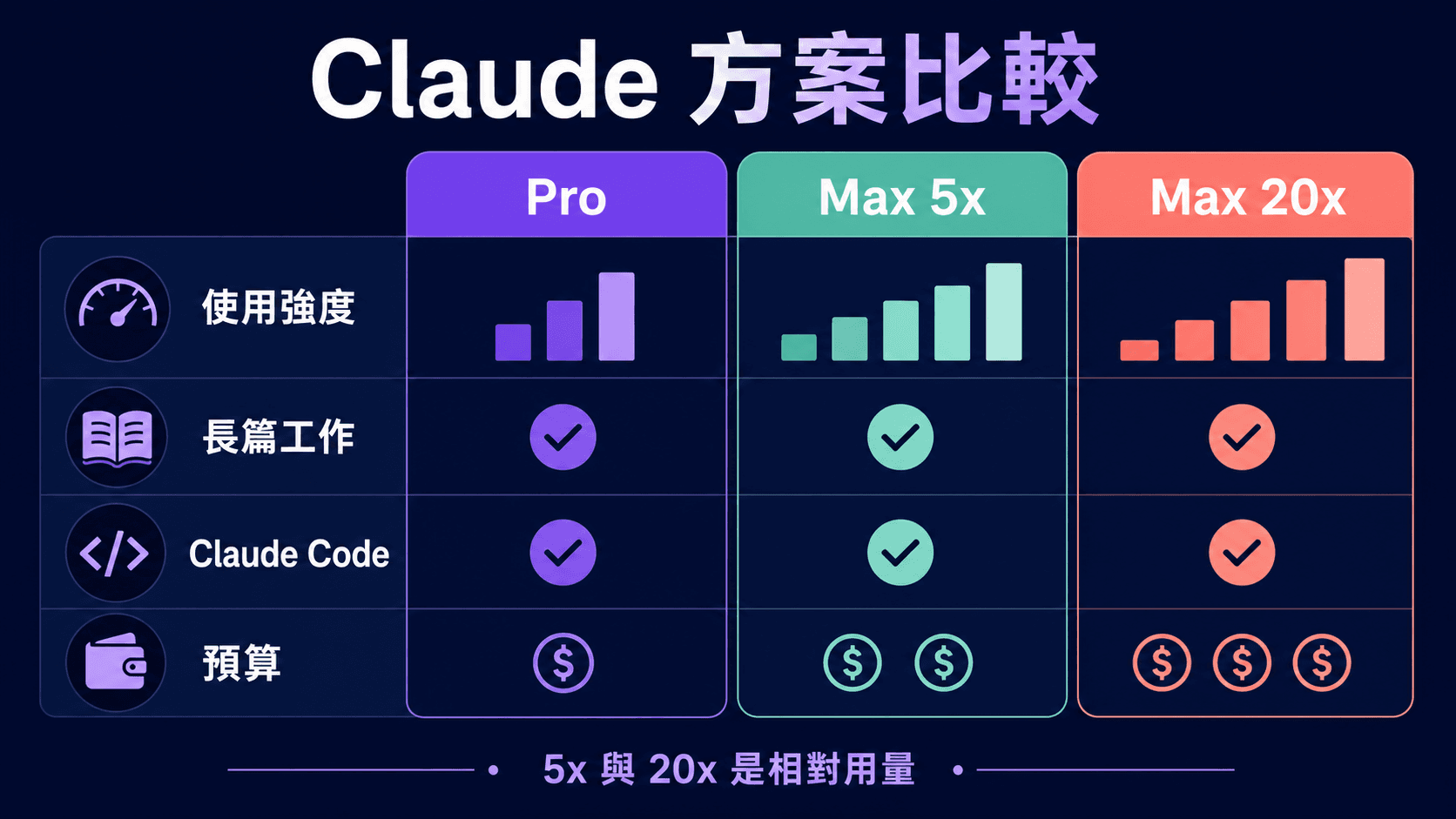
Claude Pro vs Max 5x vs Max 20x: Price, Usage and Claude Code Compared
An Anthropic-sourced comparison of Claude Pro, Max 5x and Max 20x for Hong Kong readers: official US pricing, per-session and weekly usage, Claude Code, usage credits, Fable, our HKD service prices, and a seven-day log you can run yourself before deciding to upgrade.

Which Claude plan do you need for Claude Code? Free, Pro, Max 5x or Max 20x (checked September 2026)
An Anthropic-sourced comparison of Free, Pro, Max 5x, Max 20x and Team seats for Claude Code: official US prices, per-session usage relative to Pro, default models, 1M context, the shared allowance, usage credits and the signals that mean it is time to upgrade — plus Hong Kong's supported-region status.