 Generated with Imagegen
Adventure Character Design Sheet
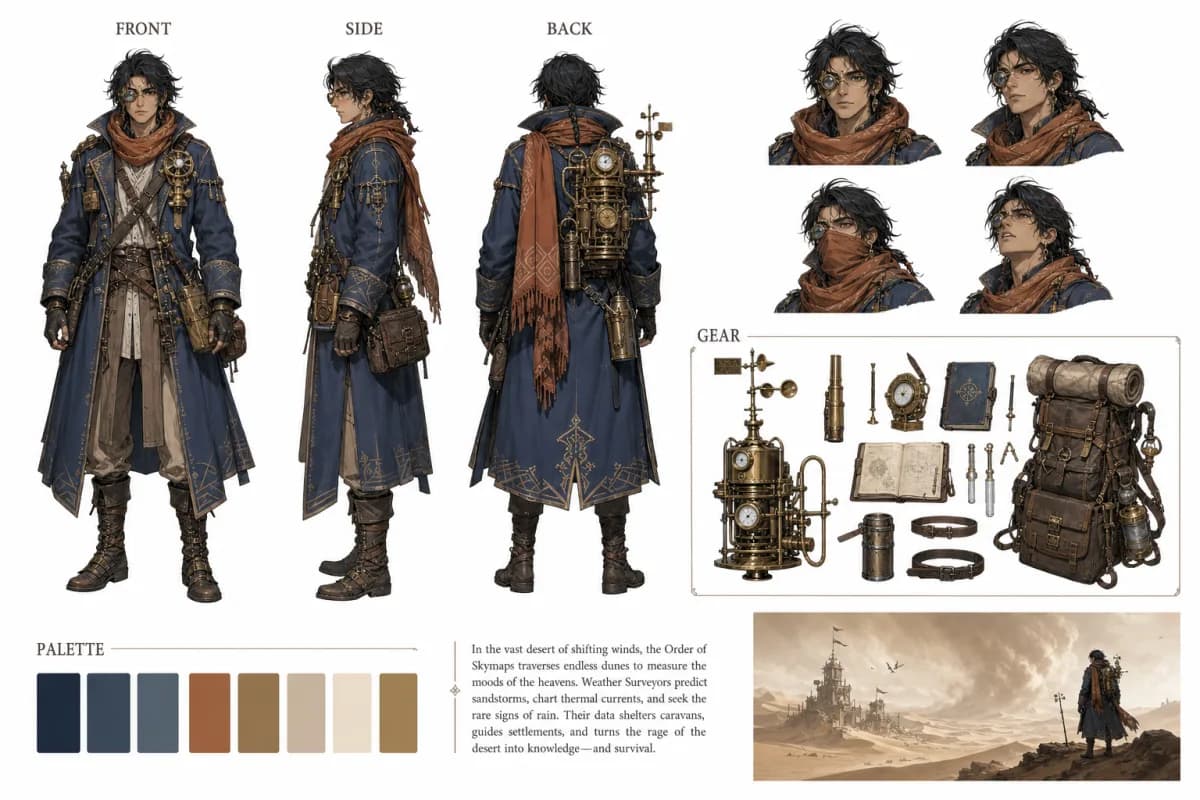
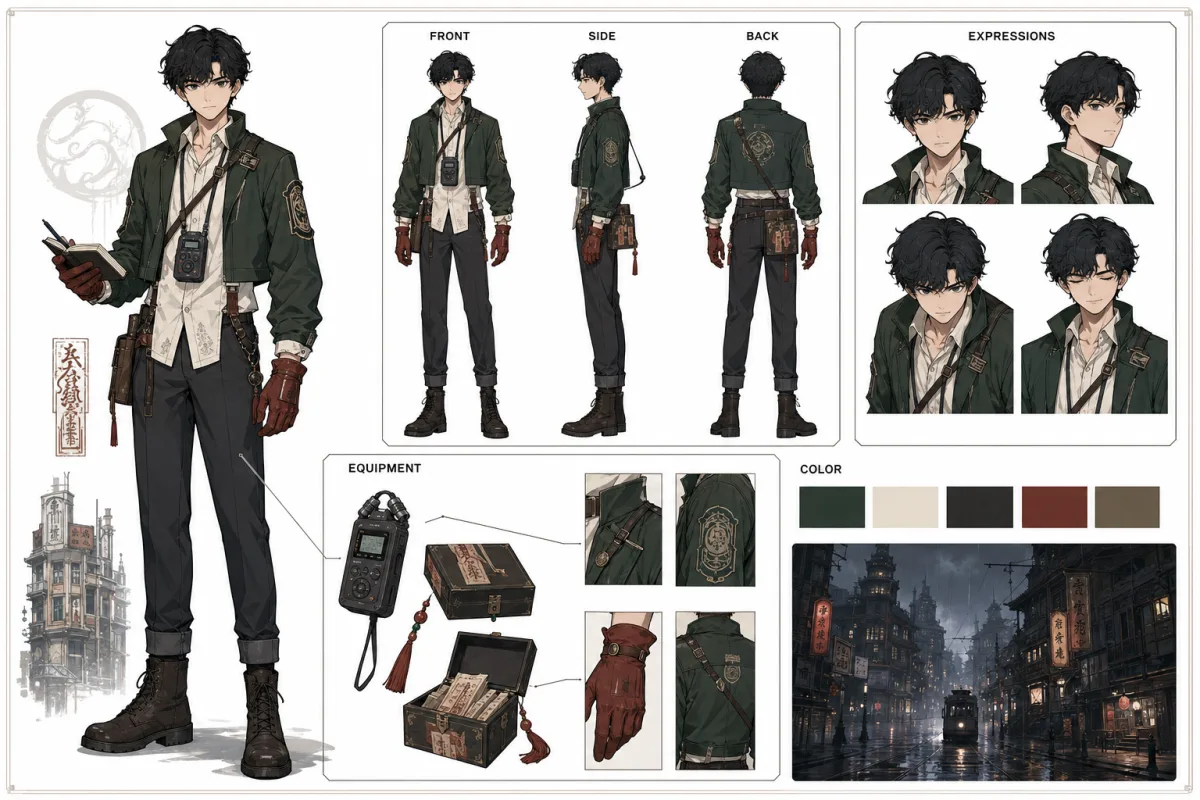
A full character design sheet prompt with front/side/back turnaround, expression grid, equipment breakdown, color palette, and world thumbnail.
Create a detailed character design sheet for "Lira", a young female explorer-mechanic-inventor who travels across frozen lands in search of forgotten technology. Include front, side, and back turnaround views showing her full outfit: olive-green fur-lined parka with hood, golden knit scarf, brown utility belt with brass buckle, cargo pants, and insulated boots. Add a row of six facial expressions (default, happy, determined, surprised, angry, sad). Include an equipment breakdown section showing gloves, tool pouch, belt and buckle, and boots as separate items. Add a warm earth-tone color palette strip, three silhouette poses, and a small "World" thumbnail showing a snowy mountain village. Clean off-white background, thin layout guides, semi-realistic painterly illustration style with soft lighting and visible brushwork.
Open the full prompt and source details
Full prompt
Create a detailed character design sheet for "Lira", a young female explorer-mechanic-inventor who travels across frozen lands in search of forgotten technology. Include front, side, and back turnaround views showing her full outfit: olive-green fur-lined parka with hood, golden knit scarf, brown utility belt with brass buckle, cargo pants, and insulated boots. Add a row of six facial expressions (default, happy, determined, surprised, angry, sad). Include an equipment breakdown section showing gloves, tool pouch, belt and buckle, and boots as separate items. Add a warm earth-tone color palette strip, three silhouette poses, and a small "World" thumbnail showing a snowy mountain village. Clean off-white background, thin layout guides, semi-realistic painterly illustration style with soft lighting and visible brushwork.
Why it works
- It names the character and defines a backstory, giving the model enough context to design cohesively.
- It requests specific layout sections (turnaround, expressions, equipment, palette, world) which keeps the output structured.
- The constrained color direction and illustration style prevent the result from looking generic or over-rendered.
Variables to change
Practical tips
- If text labels come out garbled, remove the label requests and add them in post-production.
- Reduce the number of layout sections if the model starts merging panels together.